Using Training Mode
The terminal has a training mode that allows users to process transactions in a simulated environment to learn and understand the terminal’s various functions. When in training mode, the terminal does not communicate with the server, and it functions even when the terminal has no network connection.

IMPORTANT! You cannot enable or disable training mode if there are any open batch transactions on the terminal; you must process your settlement to close out the open transactions before you can access or leave training mode.
To enter/leave training mode:
- Touch the Action button on the main screen.

- Touch Settings.

- Enter the Merchant password and touch OK.
- On the Settings page, touch Training Mode.

- Toggle Training Mode to On to enable training mode and touch OK.
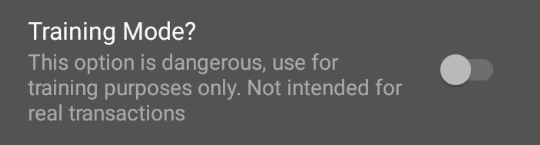
- To disable training mode, toggle Training Mode to Off.
IMPORTANT! It is possible to lock a card in training mode, as some security features are stored on the card’s chip.
