Set Terminal Theme
You can change the theme (color) of the terminal’s display to better match your business environment. By default, the terminal uses the light theme, but you can change it to the dark theme. The following are examples of the available themes:
| Light theme | Dark theme |
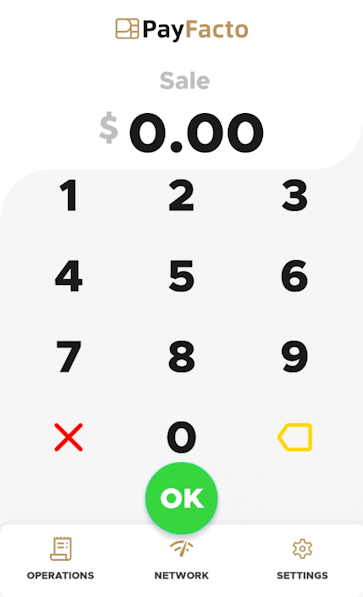 |
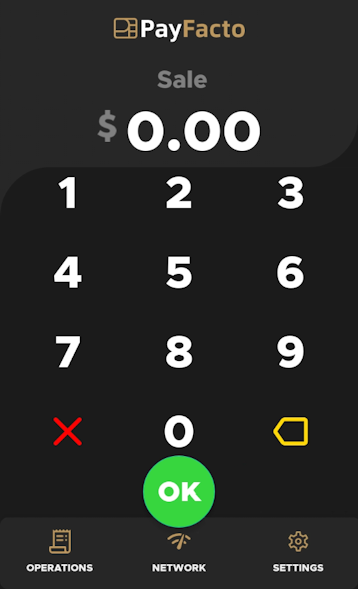 |
To set the terminal theme:
- From the main screen, touch Settings.

- Enter the merchant password and touch Confirm.
- Scroll to the Configure application section.
- Touch Terminal options.
- In the Display section, toggle the Dark theme switch to the right to use dark mode or to the left to use light mode.
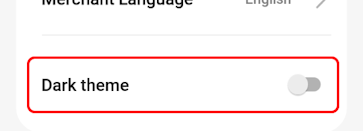
The terminal returns to the main screen using the selected theme.

NOTE: If you have more than one terminal, repeat steps 1 to 5 for each additional terminal where you to set the terminal display theme.
