Create Taxes
Before creating taxes, make sure that you understand your local tax laws and regulations. Also, remember that every tax you create in Maitre'D needs to belong to a Tax Category. Therefore, at least one Tax Category must exist in your Maitre'D Database.
Process to create a new tax:
-
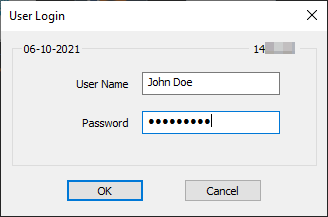
Logon to the Maitre’D Back-Office with appropriate credentials. (Distributor or System Owner)

-
Start the Point of Sale Control module.

-
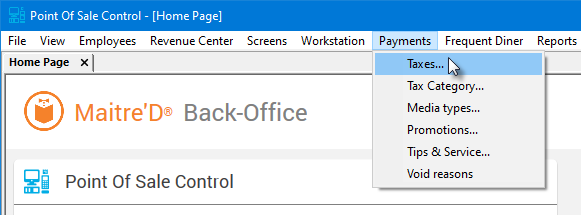
Click on the Payments menu and select the Taxes... option.
-
The list of existing taxes will be displayed:
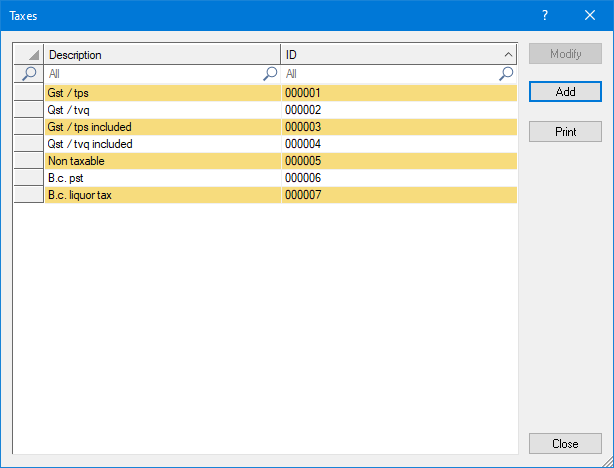

Select an existing tax and click the Modify button to edit the tax settings.

Click the Add button to create a new tax from scratch.

Click Print to generate a report of all available taxes, which can be printed.

Click Close to close this window and return to the Point of Sale Control module.
To learn more about the available options within taxes, see the related topics below:
