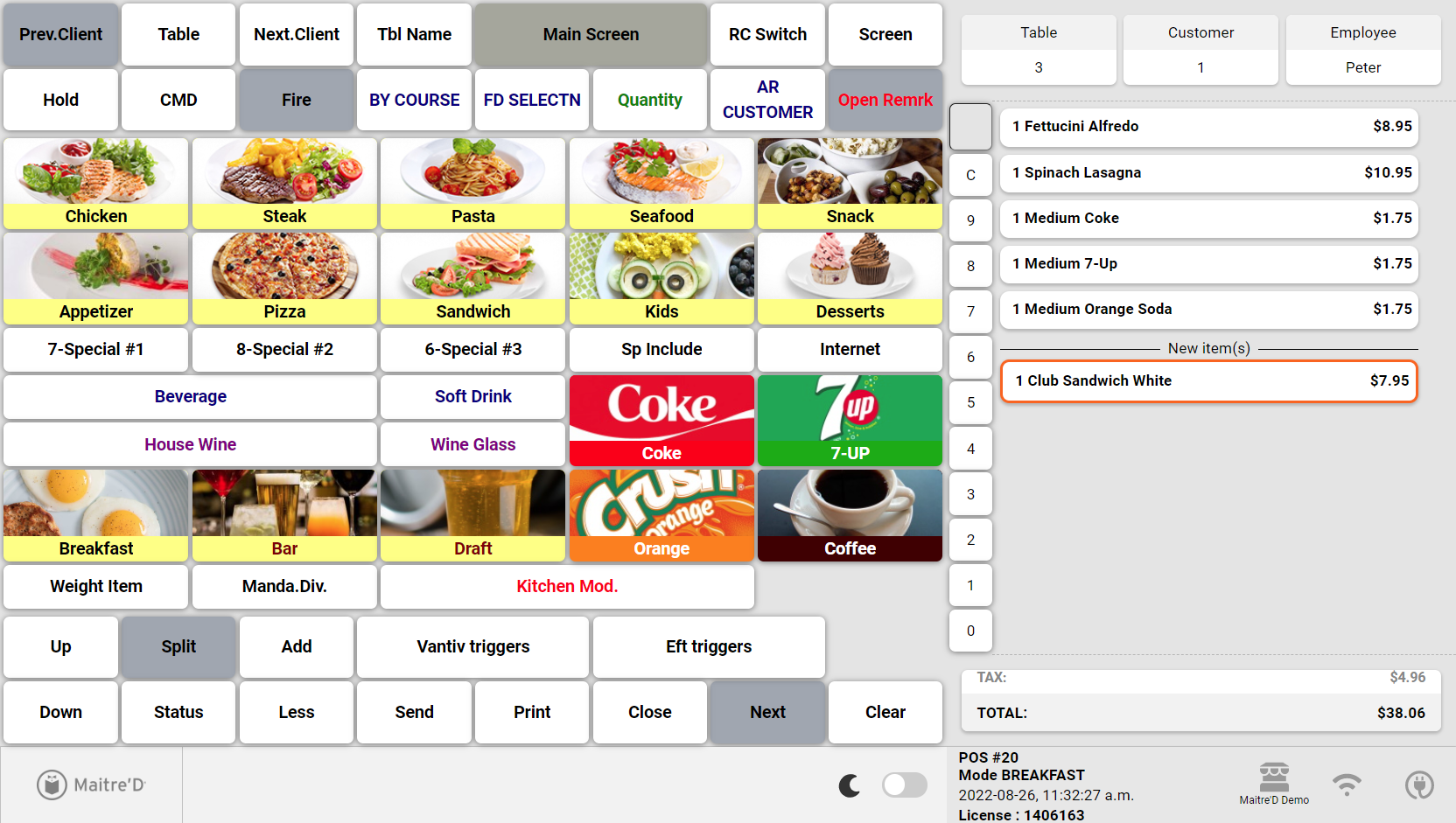
Left-Handed operation for the Advanced POS User Interface
This article describes how to use the Advanced POS User Interface in left-handed mode. This configuration is applied at the employee level, which means that every employee can use the POS in left-handed or right-handed mode, according to their personal preference.
Enable Left-Handed operation
By default, the POS User Interface is configured in right-handed mode, as approximately 90% of the world's population is right-handed. This procedure shows how to configure the POS User Interface to left-handed mode for a single employee. Repeat this procedure for every left-handed employee.
-
Logon to the Maitre’D Back-Office with appropriate credentials. (Distributor or System Owner)

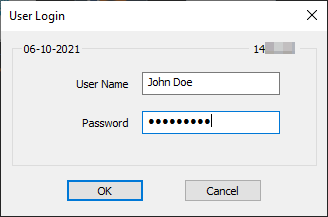
- Start the Point of Sale Control module.

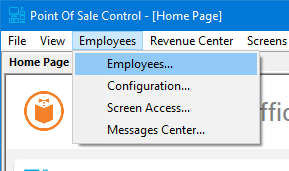
- Click on the Employees menu and select the Employees... option.
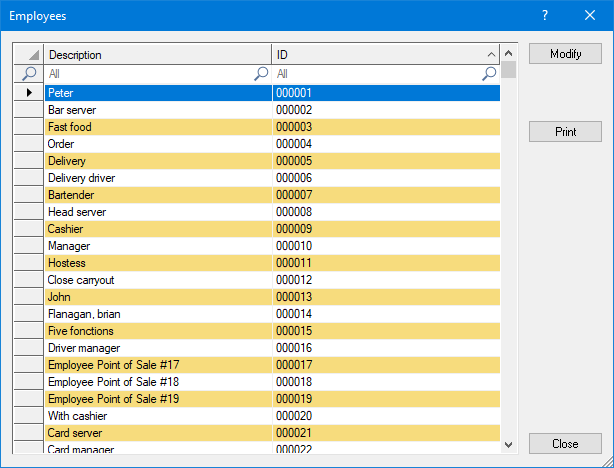
- The list of employees will be displayed. Select an employee from the list and click the Modify button.
- The employee's properties will open on the Setup branch.
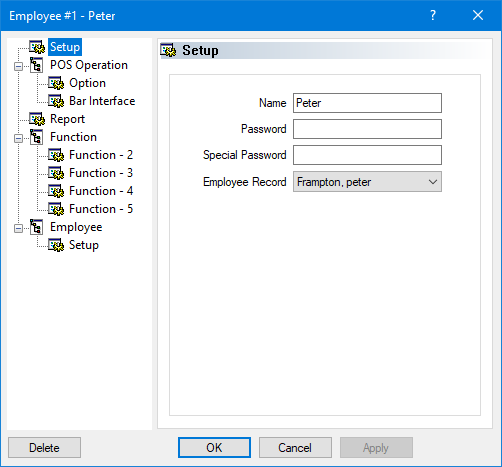
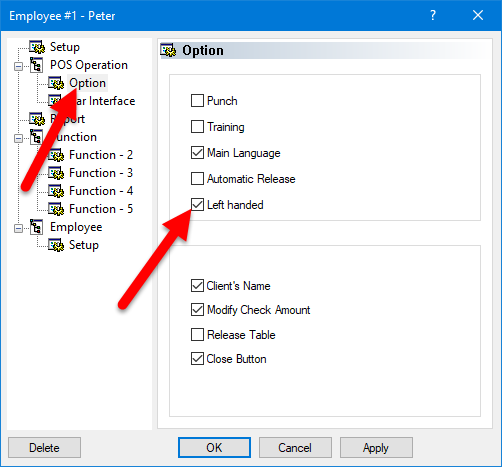
- Click on the Option sub-branch, located under POS Operation. Enable the Left handed option and click OK to save changes and close this window.
- You will be back at the employee's list. Repeat this process for all left-handed employees.
- Close the list of employees when done. You may also close the Point of Sale Control Module and logout of the Maitre'D Back-Office.
The next time these employees use the POS, they will automatically be using the left-handed interface. The screenshots below illustrate the difference between right-handed and left-handed interfaces.
Right-Handed POS Interface (Default)
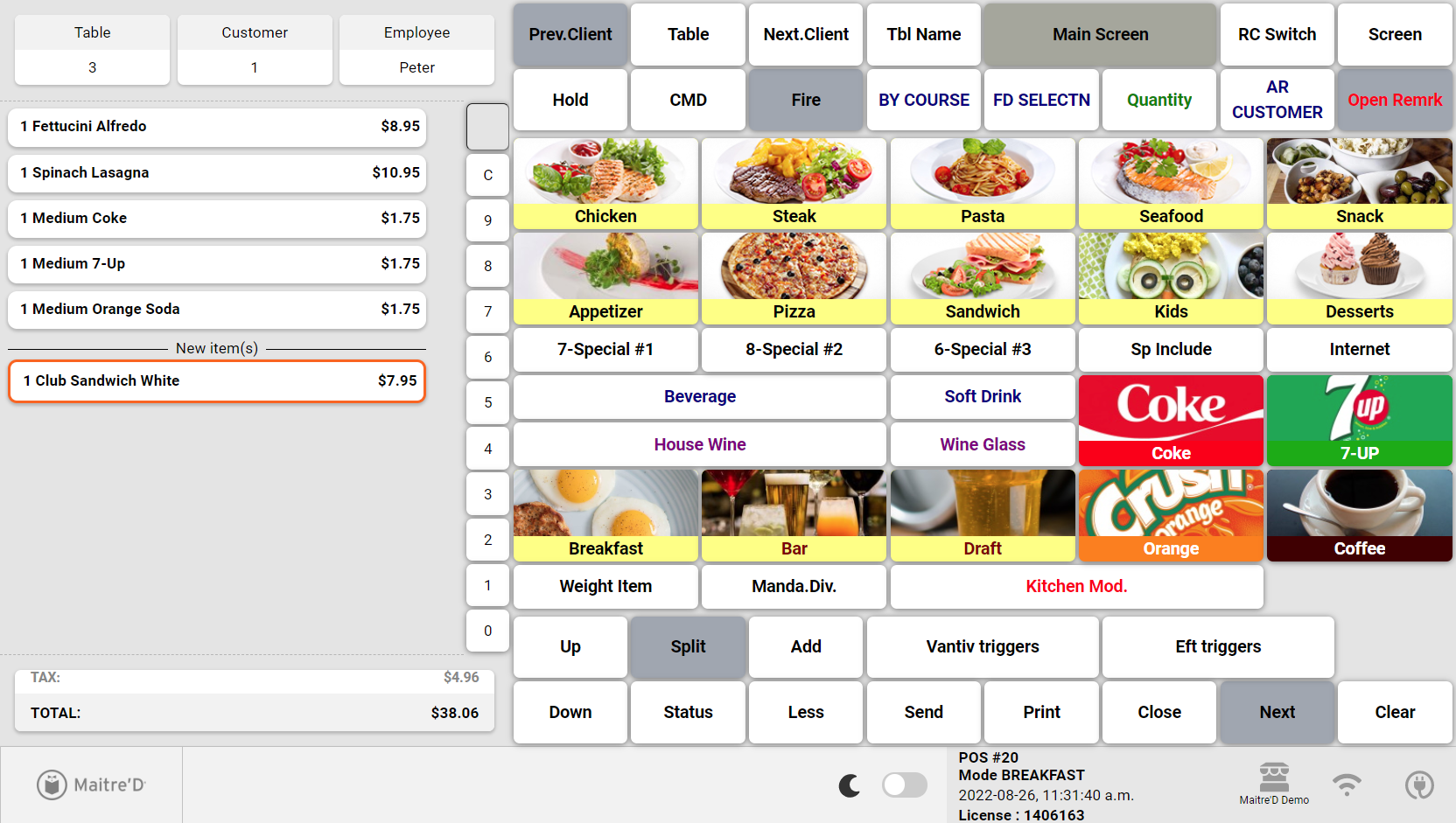
Left-Handed POS Interface